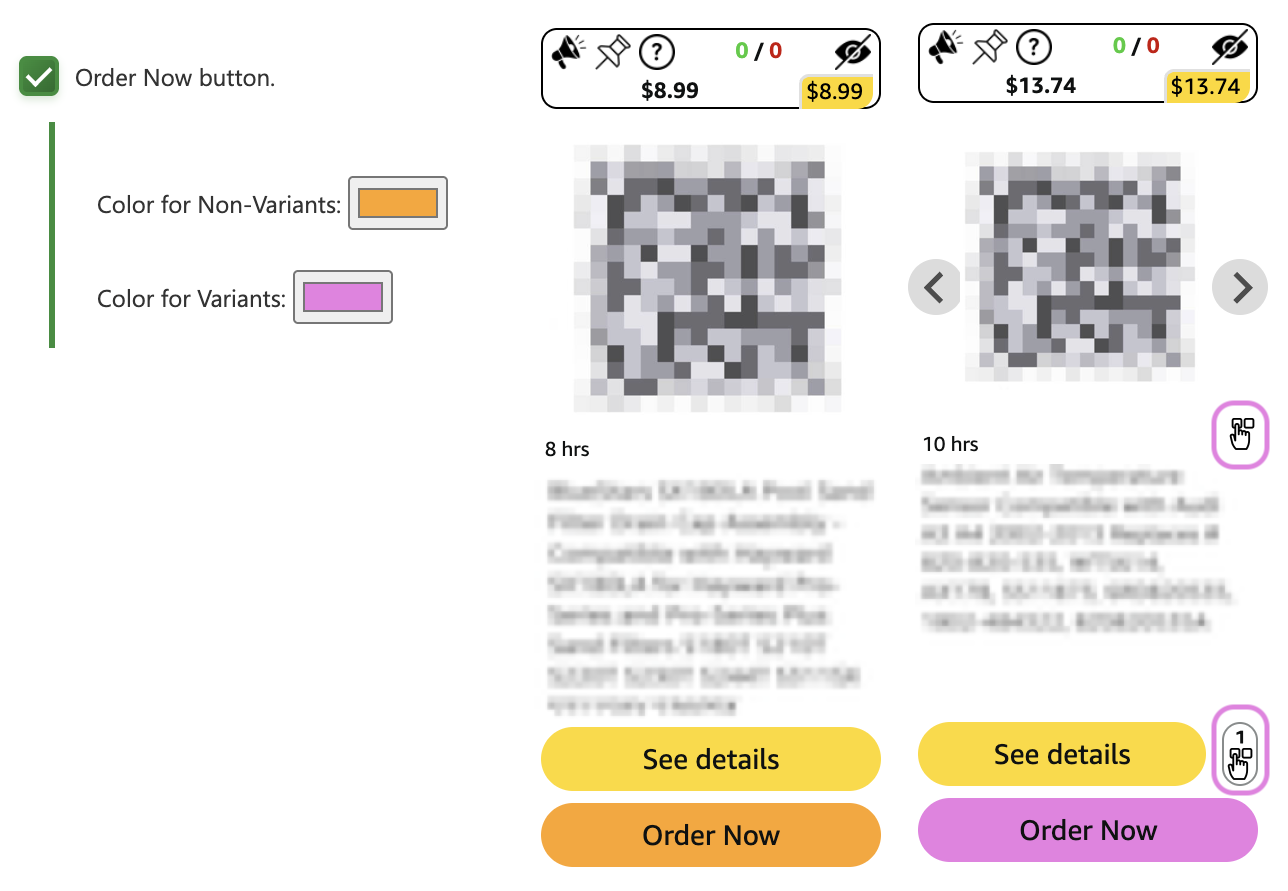
A new Order Now feature has been added to your VH experience. Users do not have to use it, and it is opt-in by default.
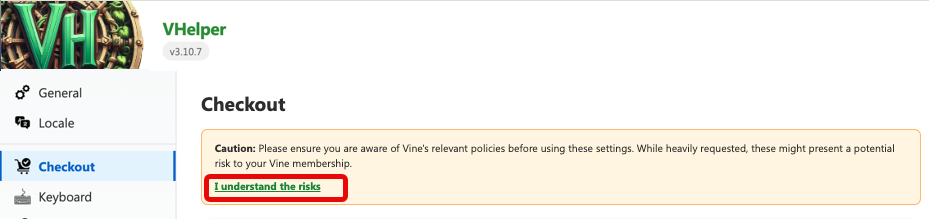
Caution: Please ensure you are aware of Vine's relevant policies before using these settings. While heavily requested, these might present a potential risk to your Vine membership.
You will need to confirm you understand the risk before the option can be enabled, by clicking “I understand the risks”.
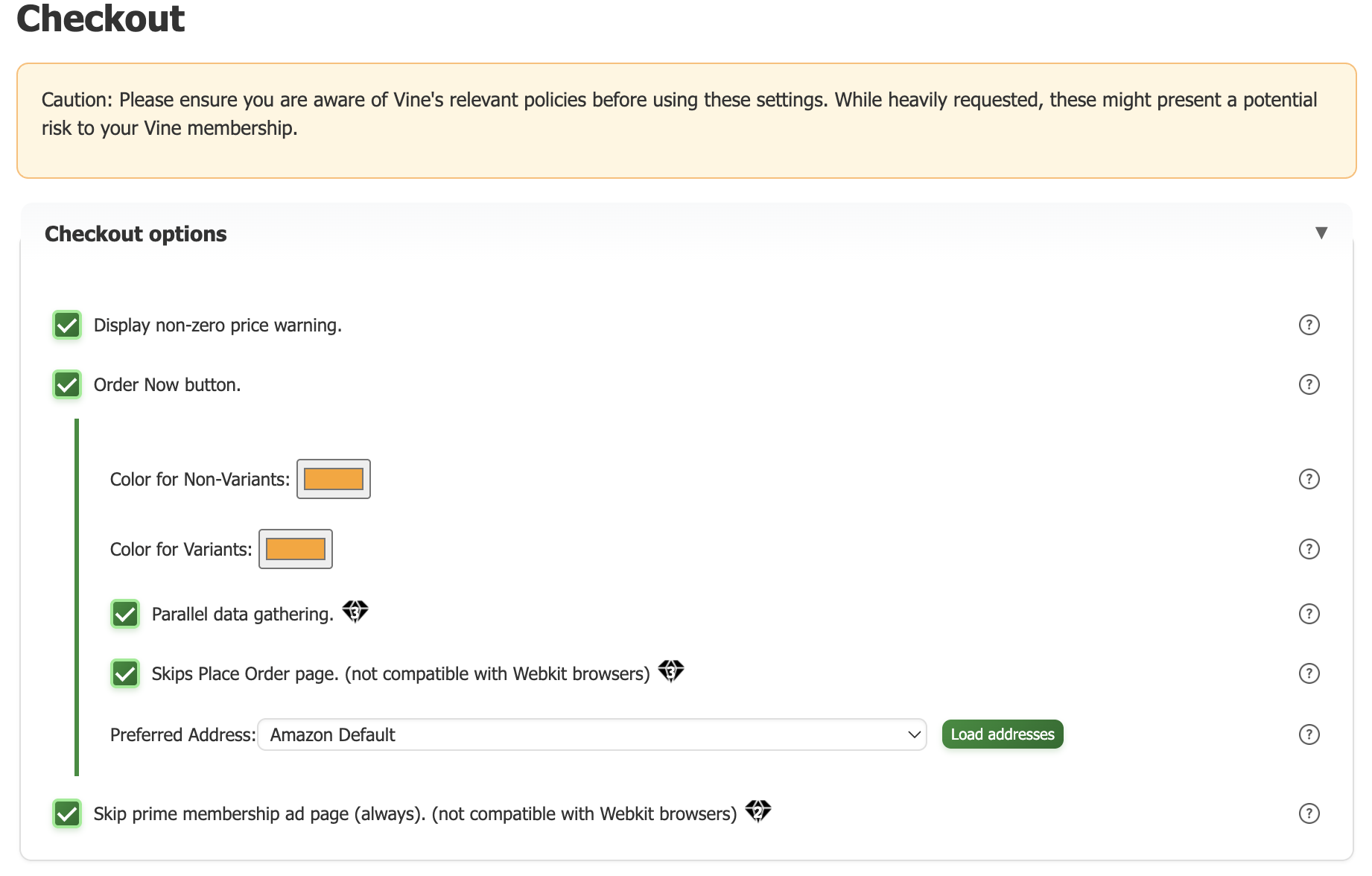
Once confirmed you can customize the options. All options are NOT checked by default
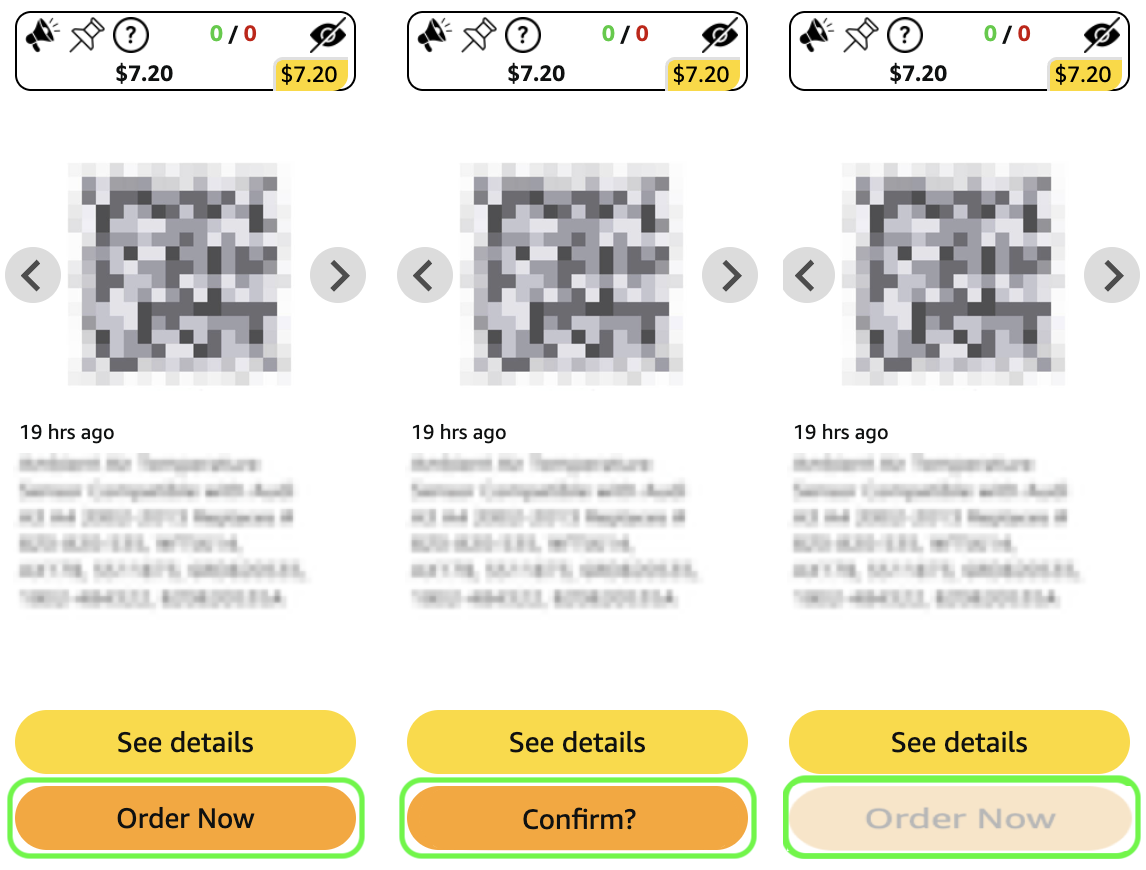
Will add a "Order Now" button to the tiles on RFY, AFA, AI pages, as well as the notification monitor. When clicked, it will skip the See Details modal and open the checkout page in a new tab. If the product has variants, it will proceed with the first one. You must click a 2nd time to confirm you want to place the order. You will see Confirm? and there will be a 3 second timer before you see Order Now again. Once you confirm and the order process is started, the Order Now button becomes unavailable. Note, this is true even if you do not complete the order.
Query both the see-details and voice order endpoints in parallel when using Order Now button. This will reduce the time it takes to order a product, but will generate two errors when a product is sold out.
¶ (premium) Skip Place Order page (not compatible with Webkit browsers)
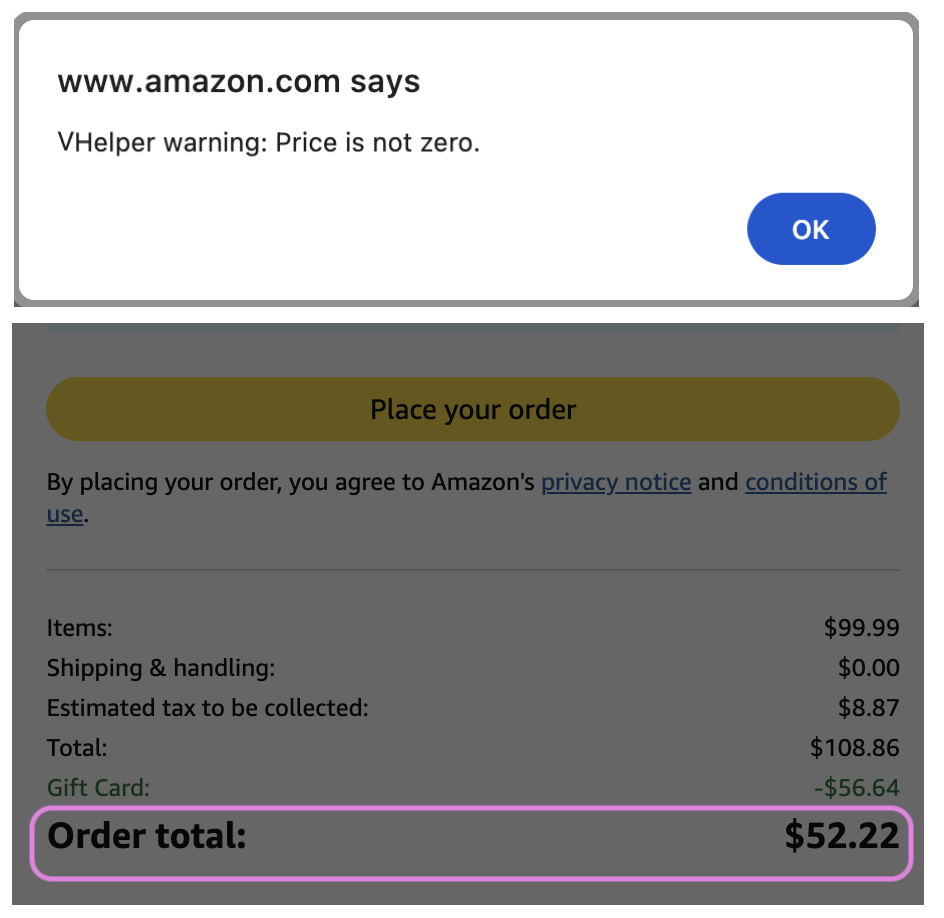
Will show confirm that the order was placed successfully.
Choose a specific delivery address for Order Now checkouts. If not default, it will be automatically selected during checkout. Click on Load Addresses to automatically fill the drop down with addresses pulled from Amazon. You can then choose an address to ship to during checking. Note: this will slow down the checkout to change your address to something other than the default.
¶ (premium) Skip prime membership ad page (always). Not compatible with Webkit browsers
If you do not have Amazon Prime, checking this box will load and immediately switch to the checkout page thereby skipping the manual “No Thanks" click on the Amazon Prime ad page. Note, if you do have Amazon Prime, this has no effect.
This will affect your Amazon experience, not just Vine.