A Discord Webhook allows V-Helper to send information to Discord. The idea is that you can create your own personal (private) server, just for you, and have V-Helper forward data to that server. This allow you to use the more reliable push notifications from Discord to get V-Helper notifications on your cell phone via the Discord app.
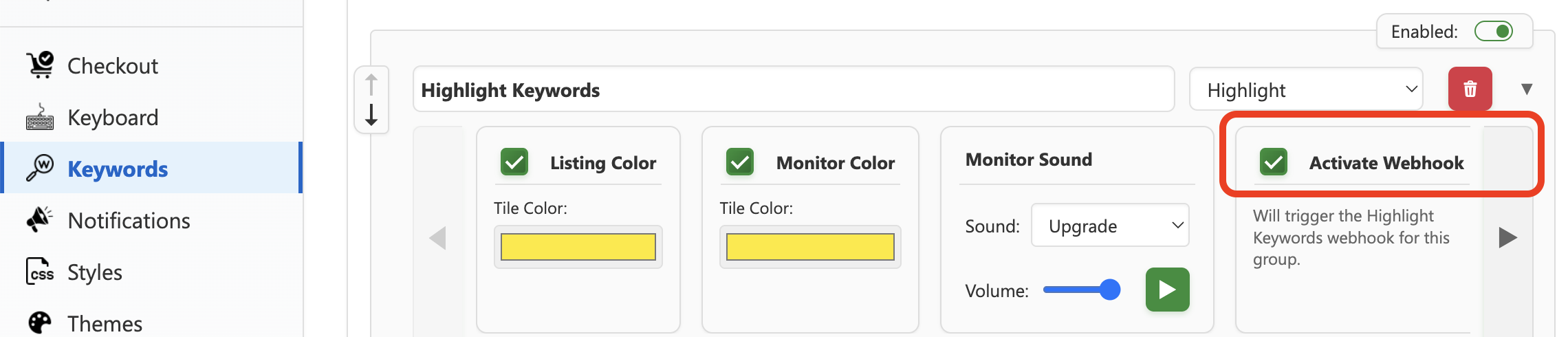
Webhooks for highlight keywords notifications must be activated in the keywords settings for them to work.
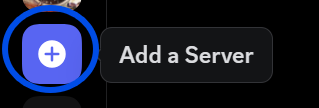
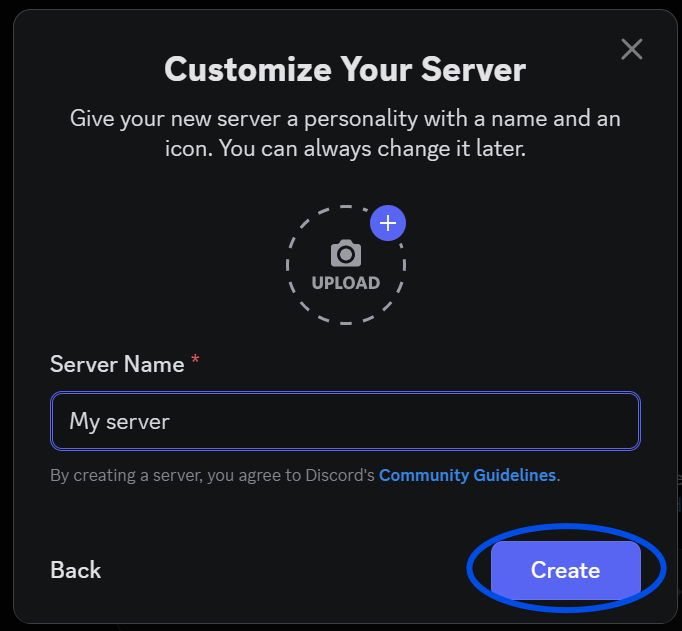
Open Discord and in the left hand side menu, click the Add a Server button.
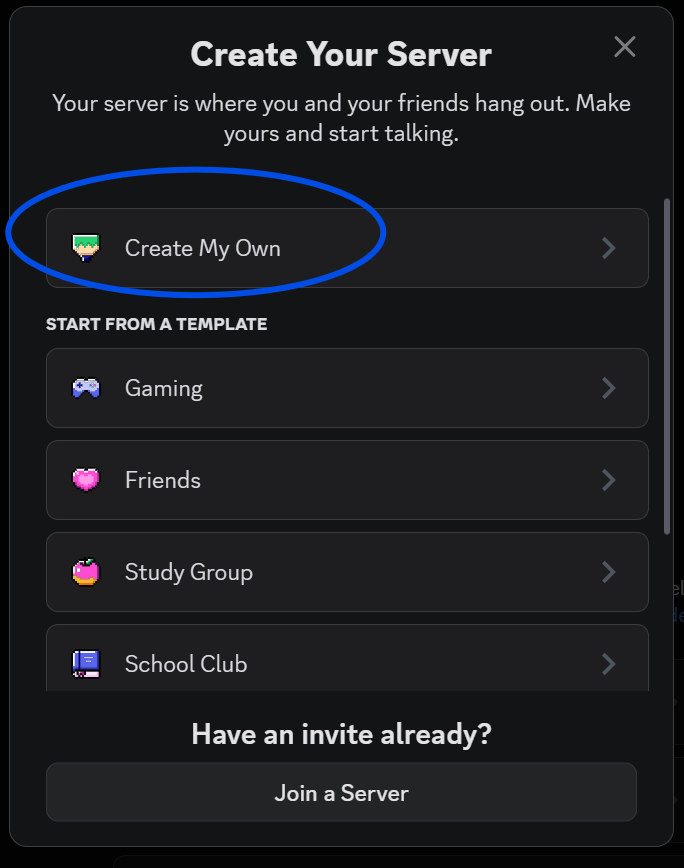
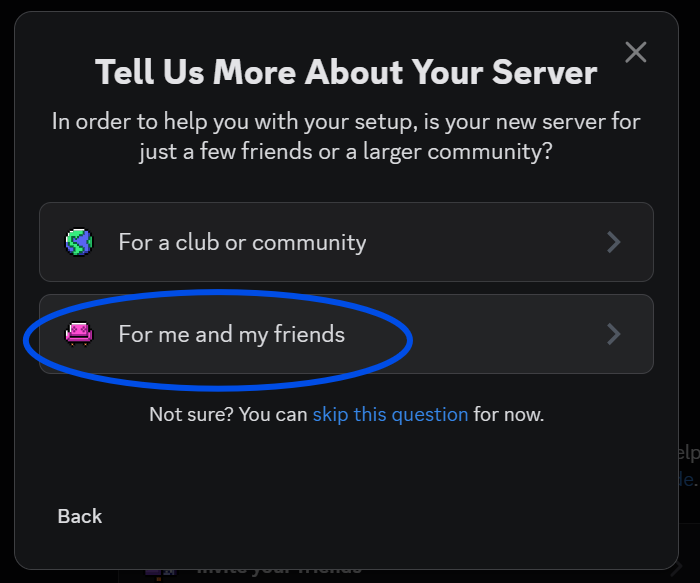
Next follow the prompts to create your private server:
Create your own server
Give your server a name and create it.
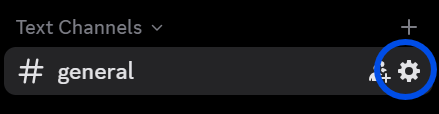
Now that your server is created, you need to create a webhook integration for a channel of your choice to be able to receive data from an outside source (V-Helper)
In the channel of your choosing, go in the configuration
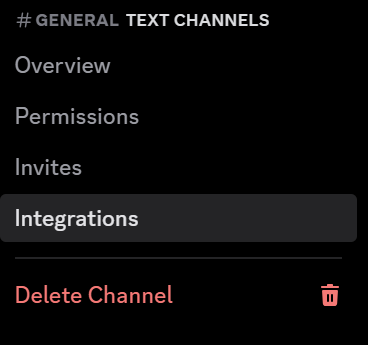
Under Integration, follow the instructions to create a webhook integration.
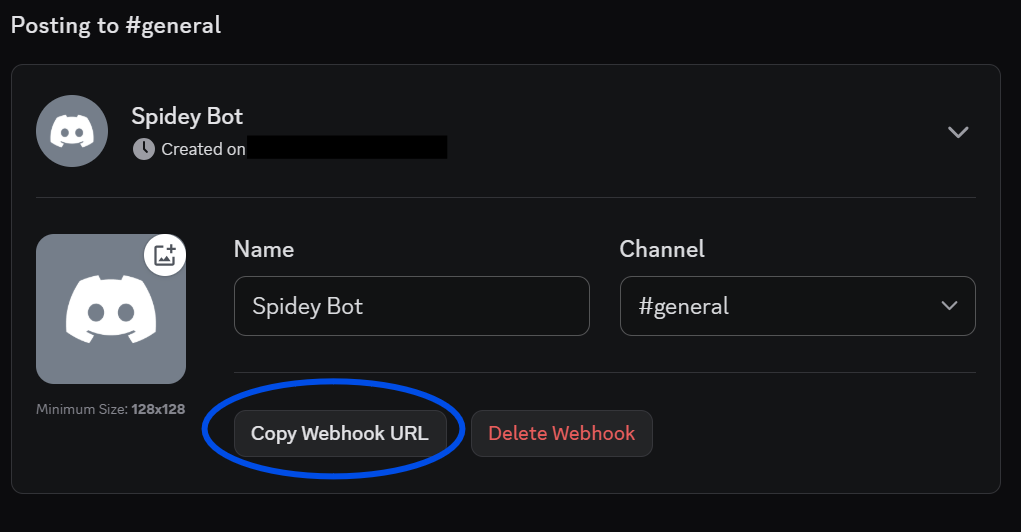
Copy the Webhook URL
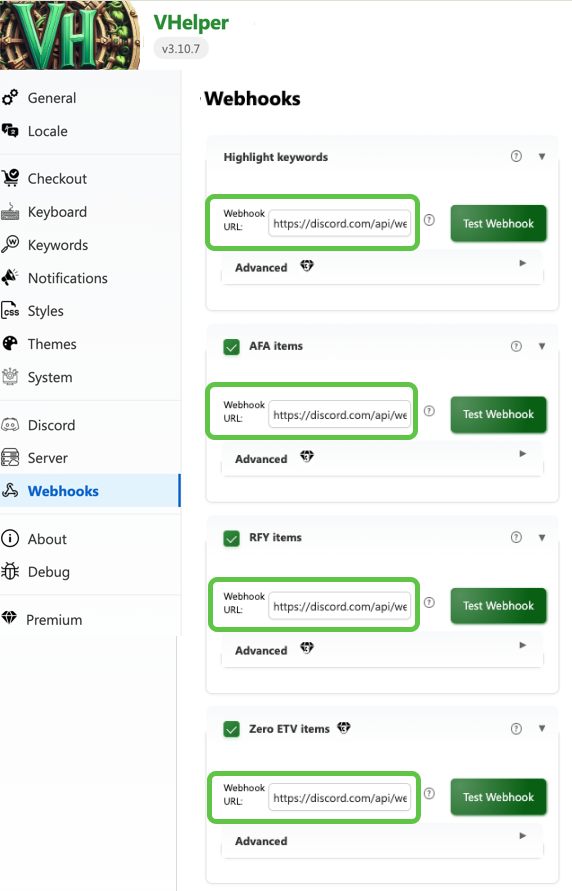
Now that you have a Webhook URL, you simply need to paste it in V-Helper in the URL field corresponding to the events that you want to be notified about:
Check the Event that you want to send to Discord, and paste the URL of the Webhook you created. Only one URL per event is supported, but you could have a different URL for each event.
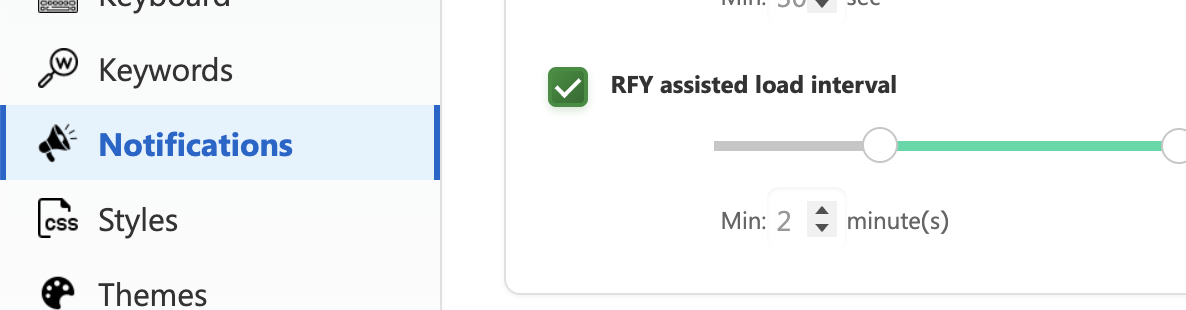
Note: RFY Items needs the Notifications > RFY assisted load interval to be enabled, and also require the RFY tab to be open in the same window as the Notifications Monitor.
If you are a Tier 3 premium subscriber, you can modify the default template for the discord notification, which is:
{
"content": "New item in $QUEUE_NAME!",
"embeds": [{
    "title": "$TITLE",
    "url": "$VH_URL",
    "thumbnail":  {
        "url": "$IMG_URL"
    }
}]
}
The available variables are:
$QUEUE_NAME: Queue name (ie.: RFY, AI, AFA, ALL)
$TITLE: Amazon product's title
$IMG_URL: Amazon product's image URL
$ASIN: Amazon product's ASIN
$VH_URL: Vine Helper's open modal URL
$VINE_SEARCH_URL: Vine Search URL
$AMZ_URL: Amazon product's page URL
You will also have an internal retry queue system enabled which will keep in queue and retry to send items in case your API returns an error 429 (too many requests).
Also, there is an additional webhook for 0ETV items. (Keep in mind that the ETV is always discovered after an item is found.)