The Additional Items (AI) queue has many pages, more than anyone can refresh alone. The Hivemind shares that work: every Ultraviner user in a country helps keep all AI pages fresh, so everyone sees new items sooner.
¶ How it works
- Ultraviner's servers keep track of when each AI page was last checked, in each country.
- Every so often, your Ultraviner asks Amazon for the page that has gone the longest without a check (the "most stale" page) and shares what it finds.
- This happens quietly in the background. Every open Ultraviner tab, app and window helps separately.
- Pages you refresh yourself, manually or with auto refresh, count too.
New items found this way reach everyone as alerts. The Heatmap shows how recently each page was checked.
¶ Hivemind widget
Turn it on in Settings > Behavior > Widgets > Hivemind. It shows how well your country's pages are covered:
| Status | Most stale page | Meaning |
|---|---|---|
| Strong | 5 minutes or less | Pages are checked often enough. Collectively, you shouldn't be missing many items. |
| Fair | 6 to 30 minutes | Pages are checked at a moderate rate. Some items may be missed. |
| Weak | More than 30 minutes | Pages aren't checked often enough. Many items are probably being missed. |
Click the widget for details: the pages you refresh per hour across all your devices, your country's speed, the average speed per user, the most stale page and the total number of AI pages.
¶ Hivemind speed
Everyone helps with at least one page every 120 seconds.
With Turbo or Ultimate, you can help more often: go to Settings > User Settings > Hivemind Speed and pick anything from 10 to 120 seconds. The real interval varies a little (up to 50% longer) so not everyone asks at the same moment.
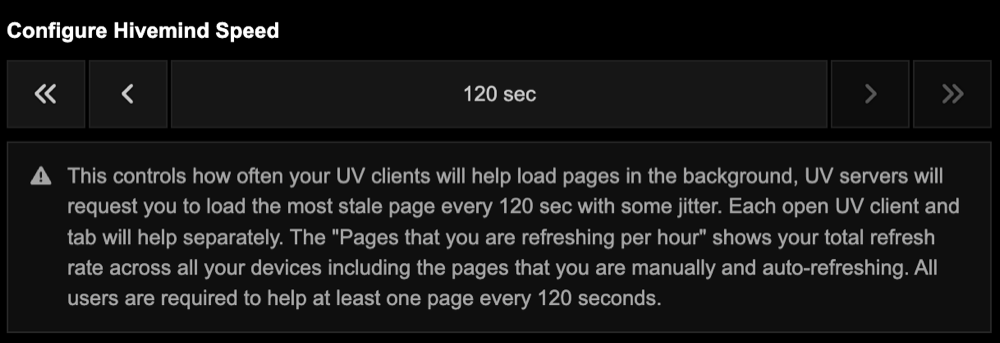
A faster speed means more requests to Amazon from your account. If you start seeing Amazon errors or captchas, slow it down.