A queue is a product "list" inside the Ultraviner dashboard.
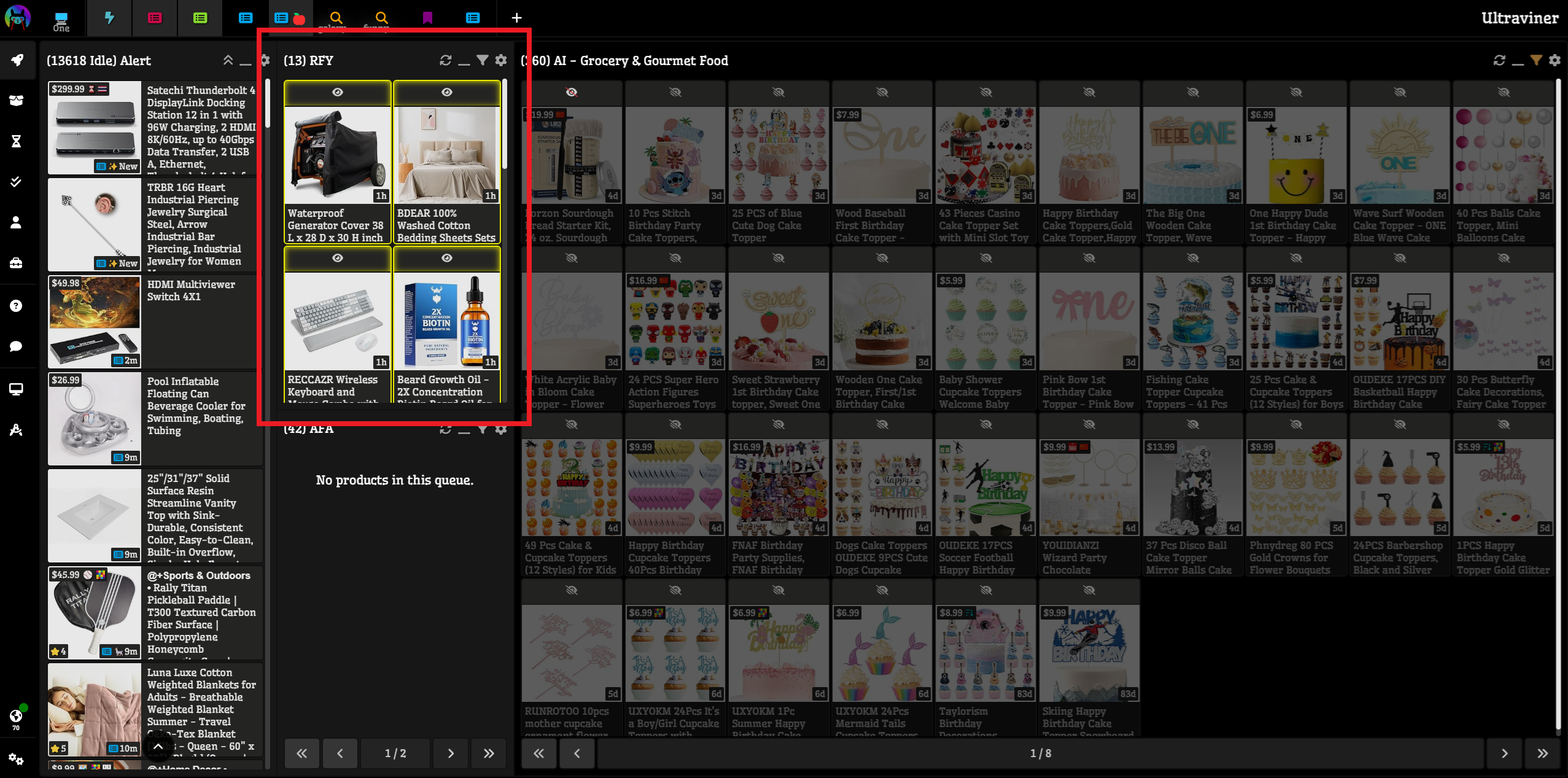
- Example of a RFY queue:
¶ Filtering, highlight and sounds
You can create colored highlights and sound notifications for each product with rules.
¶ Actions
The actions icons on the top of each queue.
¶ Refresh
Updates the information on the queue from amazon vine. When the queue is configured to auto-refresh you will have a slow spinning of the icon.
Queues do not refresh the products when refreshing the entire browser tab, you need to press the refresh button on the top right of the queue, use Key Bindings or Gestures.
Not available on Alert and Bookmark Queues.
¶ Pause
Pauses/resumes the auto-refresh
Not available on Alert and Bookmark Queues.
¶ Mute
Mutes or unmutes the sounds of the queue's rules
¶ RFY history
Opens the RFY history panel
Only available on RFY Queues (Ultimate).
¶ Filter
Show/hide the category filter
Not available on Alert and Bookmark Queues.
The icon is highlighted when a category is filtered.
¶ Settings
Show/hide Queue Settings
¶ Window buttons
Minimize, maximize and close are window buttons on the queue's top bar. See Floating windows.
¶ Release Buffer
Puts all products waiting in the alert buffer straight into the alert queue.
Only available on Alert Queues.
¶ Settings
To open the Queues settings, click on the cog icon on the top right of the Queue.
¶ Queue Name
A friendly name used mostly for Rule Filtering inside the Rules panel.
¶ Queue Type
The type of the queue that is being shown (RFY,AFA,AI,Search,Bookmark,Alert,Explore)
¶ Display Type
How products display on the queue.
- Mosaic: Products are displayed only as a picture without any title. Some users also enable the Queue Setting Display Title Tooltips when using this.
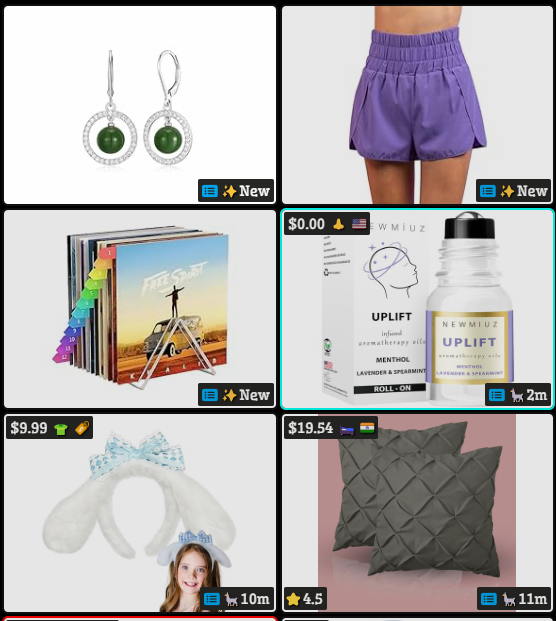
- List: Products are displayed with the title on the side.
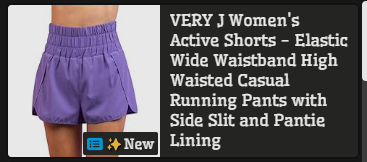
- Vanilla: Products are displayed like on original vine, with the title under the picture.

¶ Queue Sorting
How the products are sorted within the page of the queue.
- Alphabetical: will sort the products by title.
- Date: will sort the products by the Date they were first seen on the queue type. This Date is shared between all viners using Ultraviner.
- Smart: Highlighted products are displayed first, hidden products are displayed last and after that they are sorted by seen date.
- Vanilla: Sorted on the same order that they appear on Vine. (By ASIN, within the drop day).
This does not change the sorting across pages, we cannot control how vine distribute the products between pages.
This setting is not available on Alert queues. Alert queues are always sorted by Date.
¶ Product size
Size to display the products inside the Queue. Options from 1 to 9.
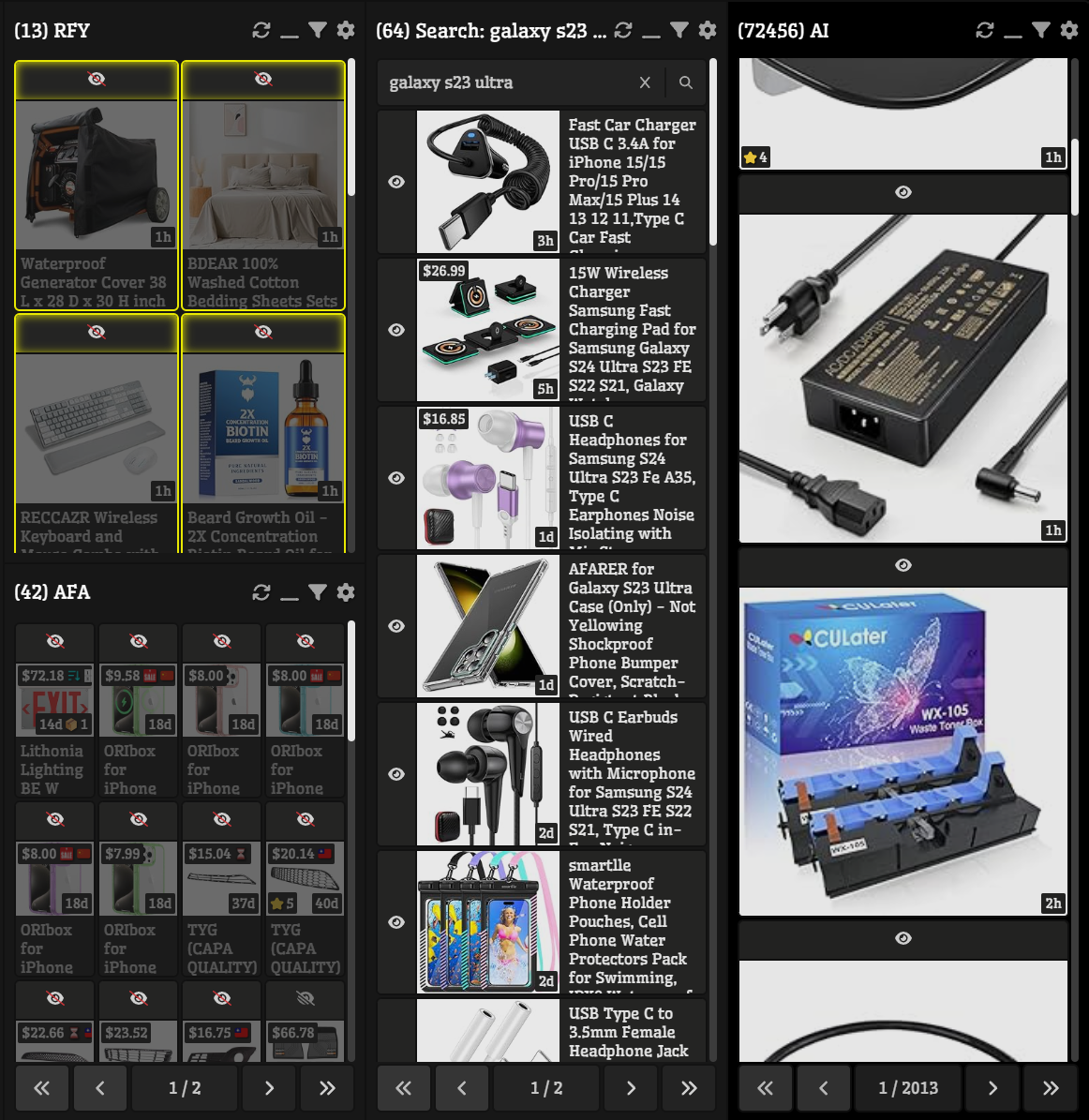
- This setting can also be changed by using Key Bindings or Gestures. Default key bindings are on the numeric keyboard [1-9]. Default gestures are "Double Finger Pinch In ↘️↖️" and "Double Finger Pinch Out ↖️↘️"
¶ Queue Placement
How the queue sits on the screen: Relative shares the screen's width with the other queues, Absolute keeps a fixed width, and Floating makes it a window over the other queues. See Floating windows.
¶ Queue width
How wide is the queue compared to other queues. Options from 1 to 10.
- Queue size is relative to your other active queues.
Example: When you have a queue width 10 and another queue width 2, the one with 10 will be much bigger. - When using width = 1, the queue will remain in the smallest possible width (unless it is the only queue active on the screen).
- When having multiple queues in the same column by using Queue Height, the width will be defined by the smallest width setting between all queues in the same column.
- This setting can also be changed by using Key Bindings or Gestures. Default key bindings are [+] and [-] on the numeric keyboard. Default gestures are disabled.
¶ Queue Height
Used to split queues vertically in the same column. Options: 33% 50% 66%. You can have up to 3 queues in the same column.
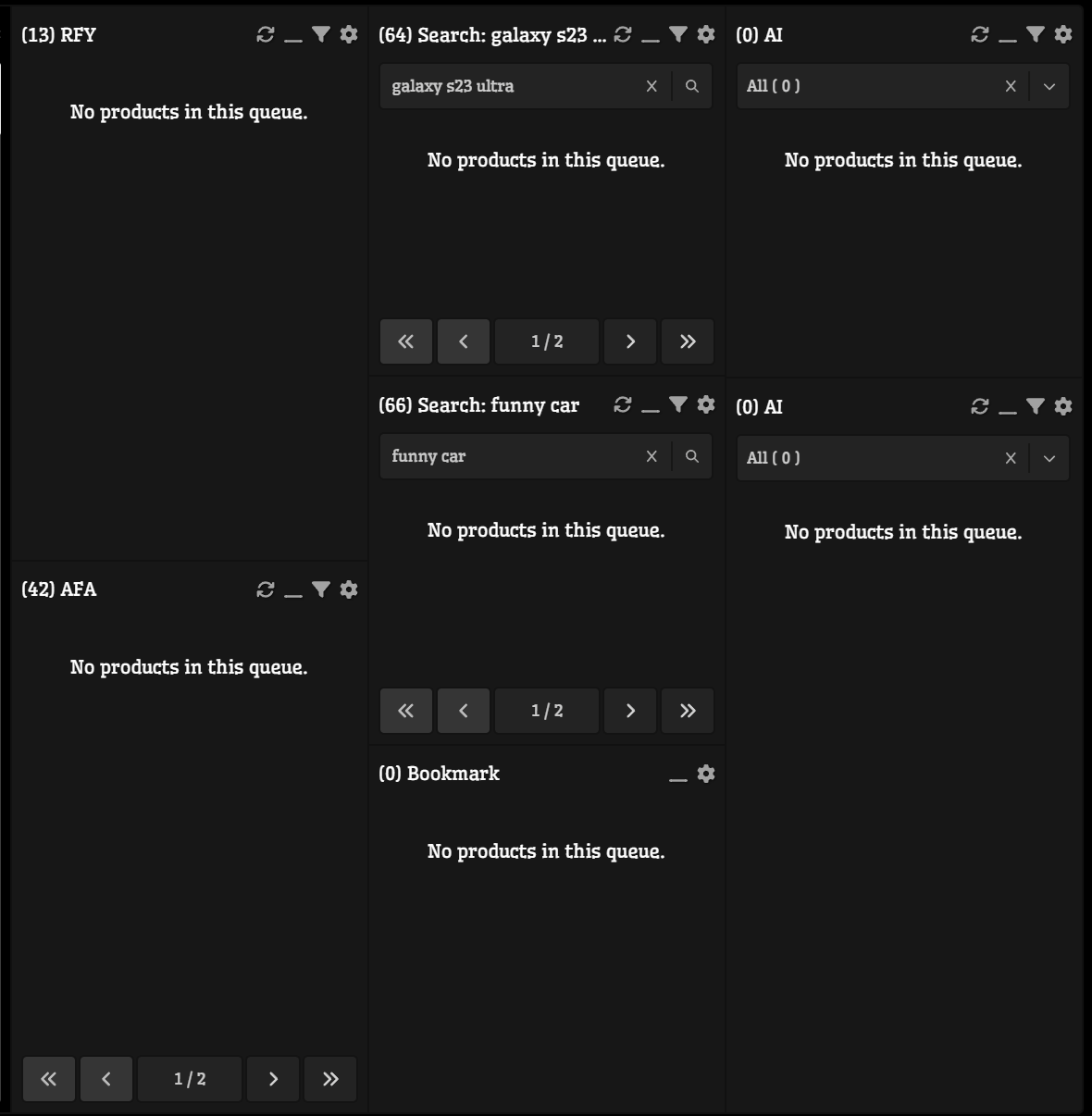
- When having multiple queues in the same column by using Queue Height, the width will be defined by the smallest width setting between all queues in the same column.
¶ Hide top Pagination
Hide the top pagination that is visible when the queue has more than one page.

¶ Hide bottom Pagination
Hide the bottom pagination that is visible when the queue has more than one page.
¶ Display Hidden Products
- When this setting is disabled, the products that you have hidden will be invisible from your queue.
- When this setting is enabled, the products that you have hidden will be faded on your queue.
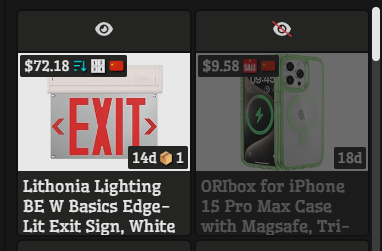
- This setting can also be toggled by using Key Bindings, Gestures or even the Context Menu. Default key binding is "dead (~)". Default gesture is "Double Finger Tap ⏺️⏺️"
This setting is not available on Alert and Bookmark queues. Alert queues products are always visible and can be dismissed instead of hidden.
¶ Display Title Tooltips
Displays a tooltip with the product title when you hover (or touch, on mobile) your mouse on products.
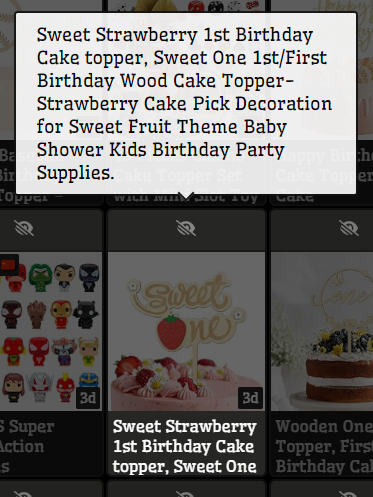
- This is specially useful when using Mosaic as your Display Type
- To take advantage of this setting on mobile you probably should enable "Double click to open product details" inside your Behavior settings.
¶ Rocket Order Shortcut
Adds a rocket button on the queue view to order without even having to see the details.
¶ Auto-Refresh
Enables automatic refresh of the queue. The queue need to be displayed on the screen to refresh.
When enabled you will have a slow rotating animation of the refresh action.
You can choose the minimum and maximum interval for the refresh.
¶ Auto-Refresh Hour Restriction
You can restrict the period that the auto-refresh will be activated
¶ Auto-Refresh Hour Start
It will start refreshing this hour
¶ Auto-Refresh Hour End
It will stop refreshing this hour
¶ Auto-Refresh Page Cycling
Cycle through the pages of the queue when auto-refreshing
¶ Auto-Refresh Page Cycling Restriction
It resets the page to 1 when all the products in the page are older than the given hour
See also: Chat queue · Floating windows · Screens